mediago-dev--mediago
 caorushizi
38cb884b77
caorushizi
38cb884b77
Also fix pre-existing lint errors exposed by staging:
- Merge duplicate 'eventsource' imports in eventEmitter.ts
- Remove unused catch parameter in eventEmitter.ts
- Merge duplicate 'react' imports in app-side-bar.tsx

Co-Authored-By: Claude Opus 4.6 (1M context) <noreply@anthropic.com>
1.1 KiB
1.1 KiB
layout, outline
| layout | outline |
|---|---|
| doc | deep |
Deploying with BT Panel
This document introduces how to deploy MediaGo using the BT Panel.
Prerequisites
- Only applicable for BT Panel version 9.2.0 and above
- Install BT Panel by visiting the official BT Panel website, select the stable version script for installation
Deployment
-
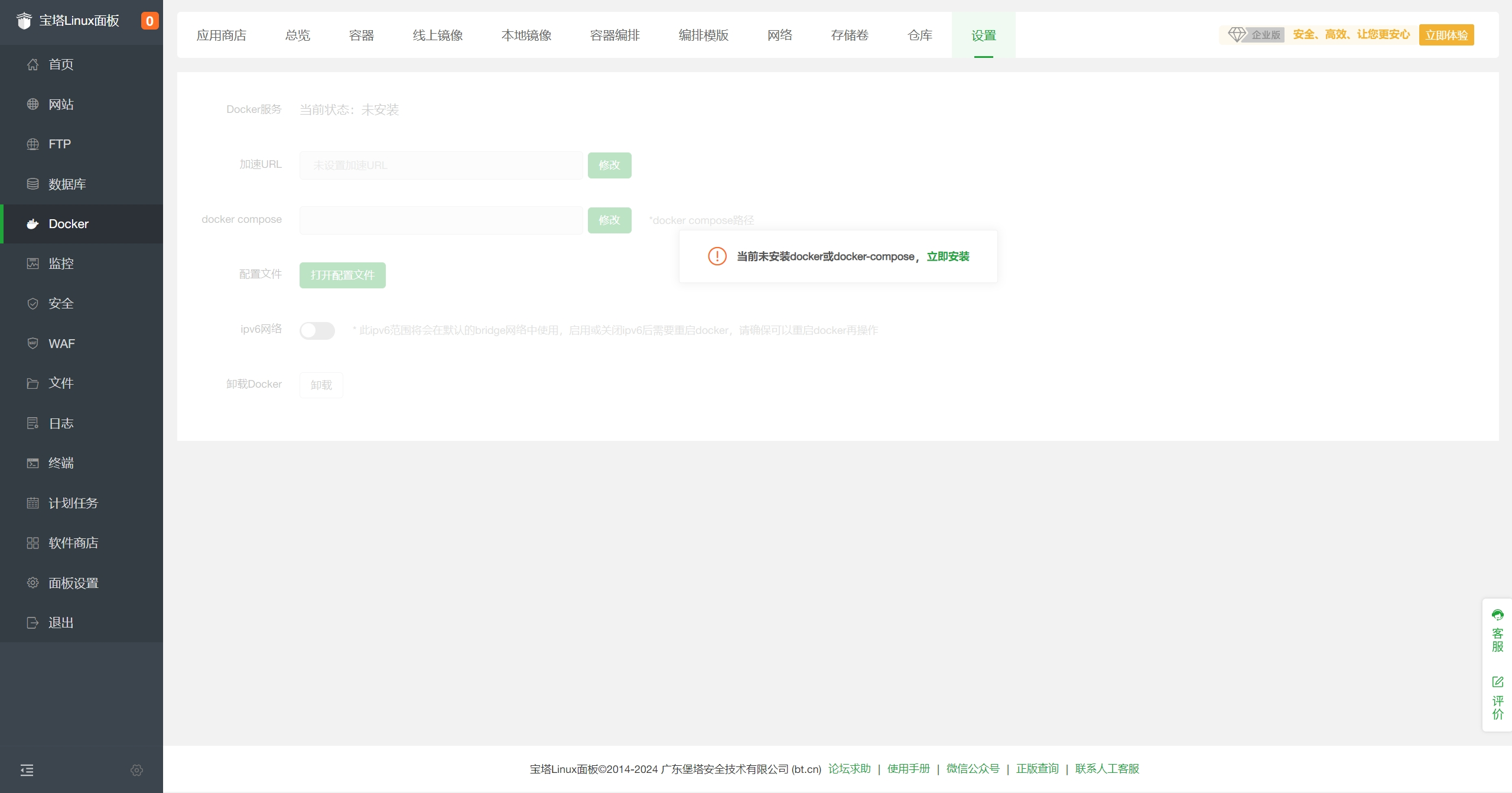
Log in to the BT Panel and click on
Dockerin the left menu
-
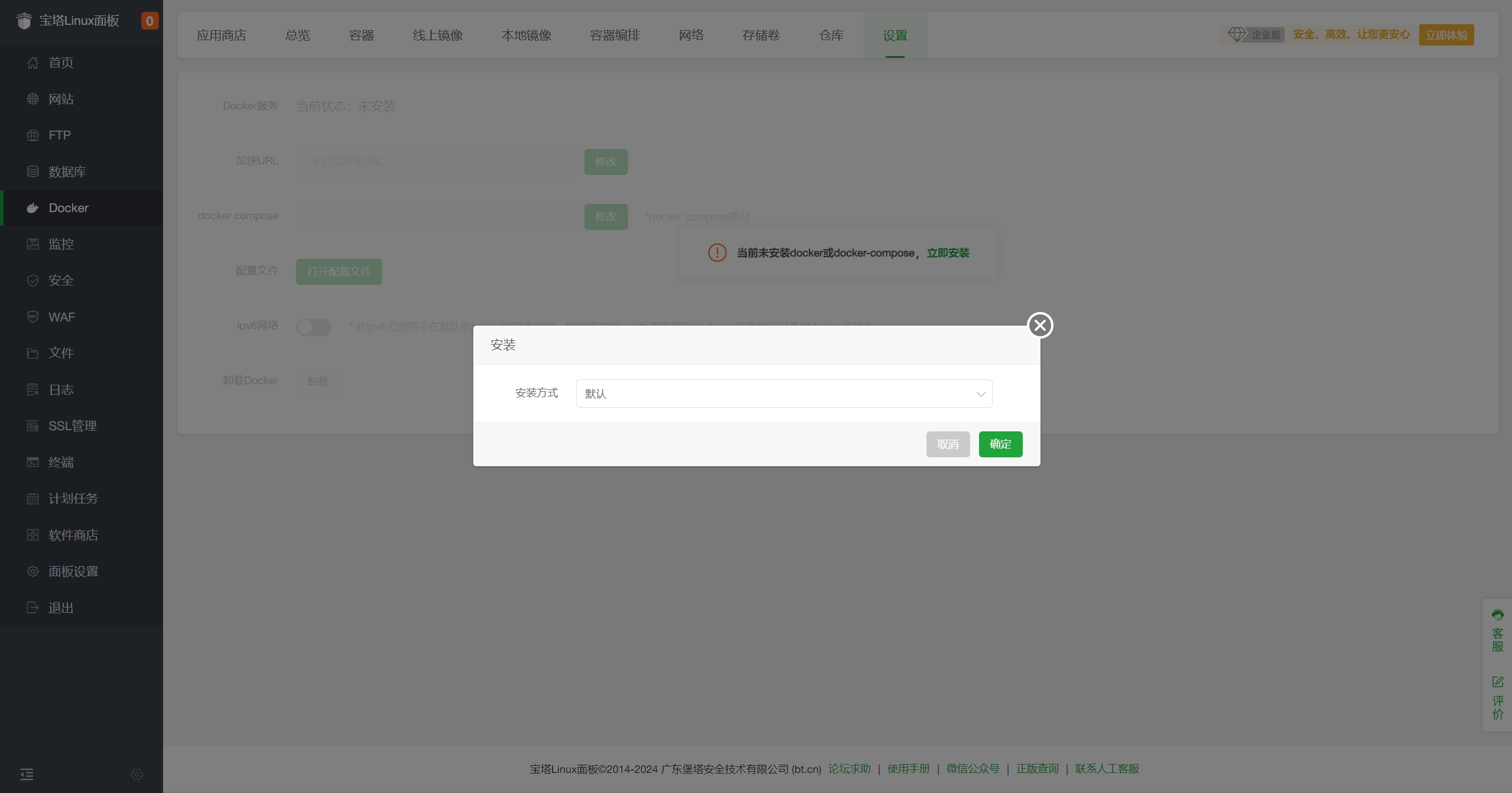
The first time, it will prompt to install
DockerandDocker Composeservices. Click "Install Now", and ignore if already installed.
-
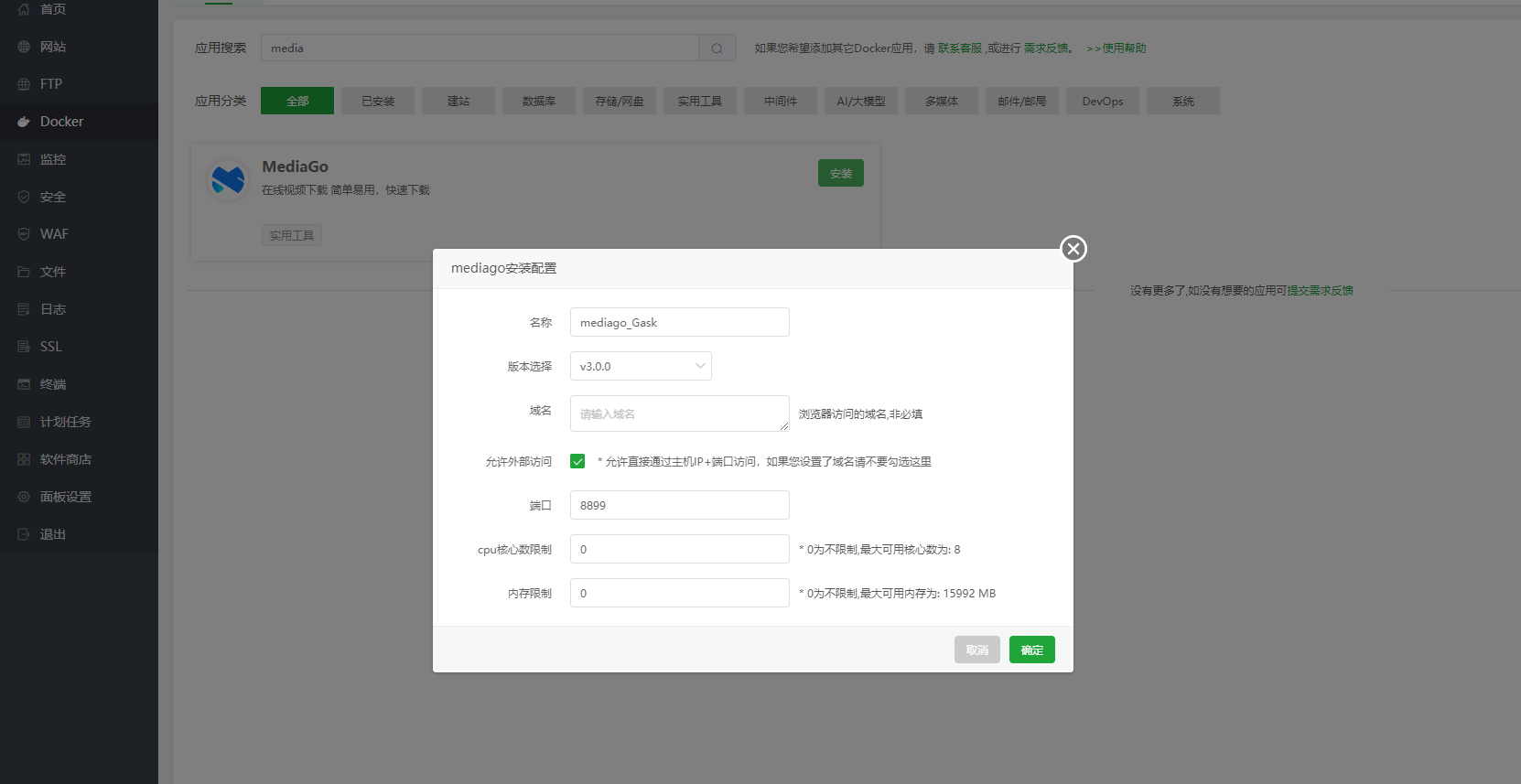
After installation, go to
Docker - App Store, findMediaGo, and clickInstall
-
After submission, the panel will automatically initialize the application, which may take 1-3 minutes. Once initialization is complete, you can access it.


- Port: 8899
- Version: v3.0.0
Access MediaGo
Enter the domain in the browser address bar to access http://<BT Panel IP>:8899 to open the MediaGo console.